Siri, Apple’s voice assistant and once a trailblazer in digital AI, has become a cautionary tale in the age of generative AI. While competitors like Google Assistant (Gemini), Microsoft’s Copilot, and ChatGPT are racing ahead with rich, context-aware interactions, Siri remains stuck issuing timers and weather reports. At WWDC 2025, Apple finally admitted what many users had long suspected: Siri, in its current form, is broken—and fixing it is going to take longer than expected.
Why Siri Is So Far Behind
1.Technological Lag
Siri’s underlying architecture has not kept up with modern large language models. Apple’s initial attempt at revamping it—internally known as Siri V1—was scrapped in early 2025 after it failed to meet quality benchmarks. Craig Federighi said the original AI-powered Siri “just didn’t converge,” meaning it couldn’t produce consistent, reliable results in real-world use. Apple has since pivoted to a second-generation monolithic model (V2), but that version is still not ready for release.
2.Privacy Constraints
Unlike rivals who use vast swaths of user data for training, Apple has been adamant about keeping everything on-device or trained on synthetic data. While this safeguards privacy, it limits Siri’s ability to learn from real-world usage. That’s why Siri still stumbles on multi-step tasks or natural conversation. The tradeoff is clear: Apple’s privacy-first model slows innovation.
3.Broken Promises and Backlash
At WWDC 2024, Apple showcased “Personalized Siri”—a smarter, more context-aware version that could understand app activity, schedule, and location in one seamless interaction. But none of it shipped. The result? A public relations nightmare. A class-action lawsuit has been floated, and Apple lost tens of billions in market cap shortly after WWDC 2025 as faith in its AI ambitions plummeted.
What Apple Plans To Do
1.No Launch Until It’s “Perfect”
Apple executives doubled down on their philosophy: they’d rather delay Siri than ship something half-baked. Federighi said that unlike other tech companies, Apple refuses to use its customers as beta testers for generative AI. The next version of Siri is now expected inlate 2026 or later.
2.A New Siri Built on Apple Intelligence
Apple Intelligence—a suite of new AI tools launching this fall—lays the groundwork. It includes ChatGPT integration (via OpenAI), Writing Tools for proofreading and rewriting, Image Playground for visuals, and smart notification summaries. But notably, Siri is missing from the spotlight. Apple is working on giving Siri access to this same architecture—but that’ll take more RAM, more processing power, and more time.
3.iPhone Hardware Limitations
One overlooked problem: Siri’s most advanced features likelywon’t run on iPhone 15 Pro or older devices. The new Siri will require12GB of RAM, something only expected in the iPhone 17 Pro and beyond. That has left many iPhone 16 buyers feeling burned, especially since Apple’s marketing suggested they were purchasing “the AI iPhone.”
The Gruber Controversy
A subplot to the whole debacle is Apple’s apparent fallout with longtime tech writer John Gruber. Gruber criticized Apple’s Siri demo as a “concept video,” implying it was vaporware—a jab that clearly didn’t sit well with Apple execs. Federighi countered by insisting the demo was based on a real working model. The drama has led to Gruber being sidelined from Apple’s media circle this year, fueling Reddit speculation and frustration among longtime Apple followers.
What Users Are Saying
Across Reddit and tech forums, the tone is skeptical, if not outright hostile. Many users feel duped into buying newer iPhones for features that Apple now says won’t arrive for at least another year—and possibly never for their specific model. One top Reddit comment summed up the mood: “It’s 2052. Siri still sets one timer. Apple hopes it can do two by 2056.”
Another recurring complaint? Planned obsolescence. Some believe the decision to limit Apple Intelligence features to newer models is a calculated move to push hardware upgrades—rather than a true technical necessity.

Bottom Line
Apple’s Siri problems aren’t just about falling behind in the AI race—they’re a symptom of bigger issues: overpromising, underdelivering, and struggling to reconcile privacy with progress. While Apple Intelligence looks promising, the company’s core assistant remains outdated. And with no Siri overhaul coming until 2026, Apple has a long road ahead to win back trust.
Until then, Siri remains a smart assistant in name only—while Apple scrambles to make it truly intelligent.

Typing Commands to Siri
Typing commands to Siri brings a new level of control and privacy to Apple’s virtual assistant.iOS 18.1 introduces an enhancedType to Sirifeature that lets users interact with Siri by double-tapping the bottom of their iPhone screen to open a typing interface.
The ability to type to Siri instead of speaking creates flexibility in quiet environments like libraries or meetings. Users can maintain their productivity without disrupting others around them.

Apple Intelligence powers this upgraded Type to Siri experience, making text interactions more natural and responsive than previous versions. The feature works seamlessly across compatible iPhone models running iOS 18.1 or later.
Guide: Typing Commands to Siri
While Siri is primarily known for its voice interactions, Apple has integrated a robust “Type to Siri” feature that allows you to interact with the intelligent assistant using your keyboard. This guide will walk you through enabling and using this valuable accessibility option.
Why Type to Siri?
Enabling “Type to Siri”
Before you can type to Siri, you need to enable the feature in your iPhone or iPad settings.
How to Use “Type to Siri”
Once “Type to Siri” is enabled, interacting with Siri is straightforward:
Tips for Typing Commands to Siri
Key Takeaways
Setting Up and Using Type to Siri
“Type to Siri” is a powerful and often overlooked feature that enhances the versatility of Apple’s intelligent assistant. By enabling and utilizing this option, you gain more control over how and when you interact with Siri, making it an even more adaptable tool for your daily needs.
Type to Siri allows users to interact with Apple’s digital assistant through text input instead of voice commands, making it accessible for those who prefer typing or need silent communication.
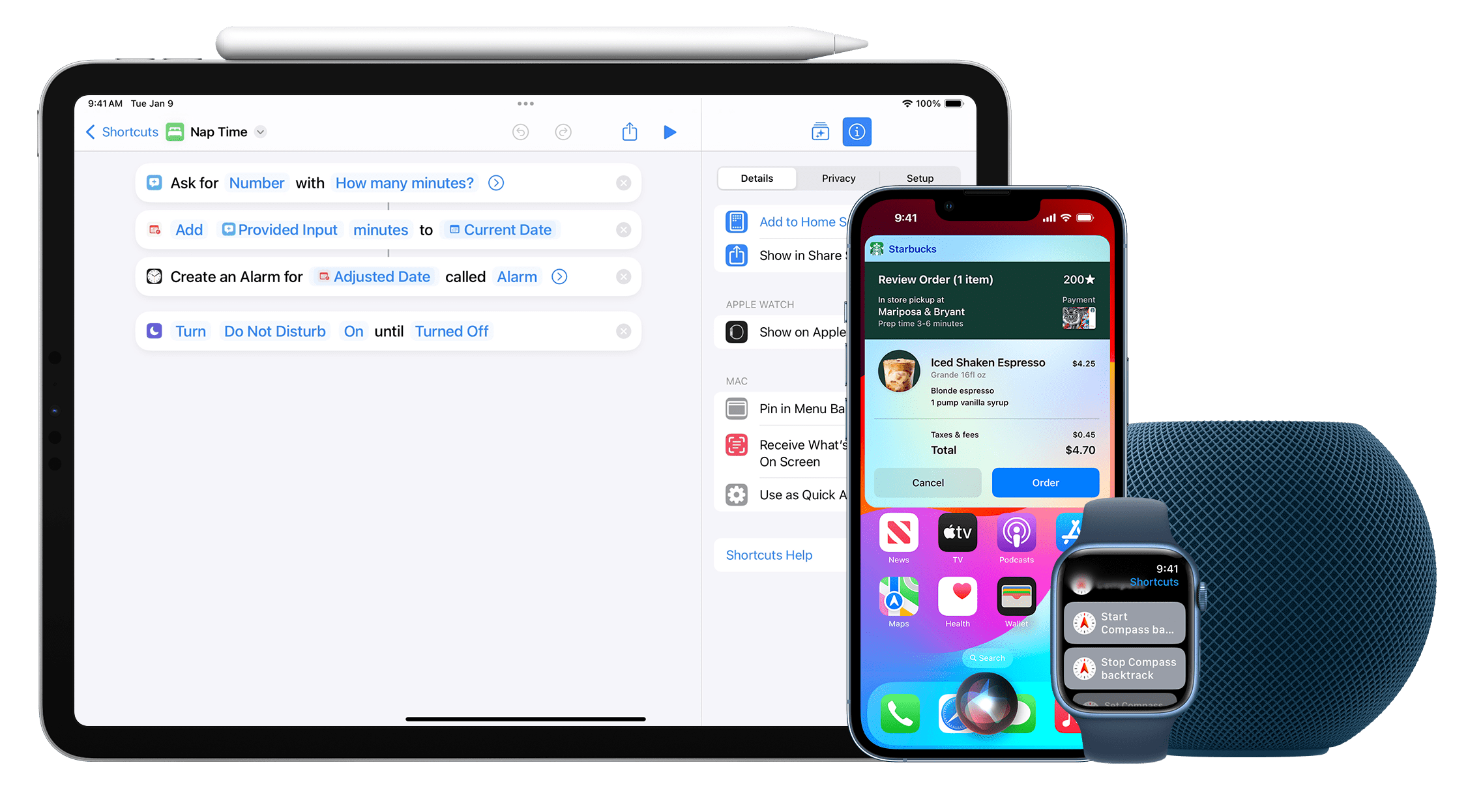
Enabling Type to Siri on iOS devices
Users can activate Type to Siri through the Settings app on their iOS device. Thesetup processstarts by opening Settings and selecting Apple Intelligence & Siri.
Turn on the Apple Intelligence toggle switch. Select “Talk and Type to Siri” from the menu options.
Enable the Type to Siri toggle switch to activate the feature. This setting appears in the Accessibility section on some older iOS versions.
For users with iPhone 16, iPhone 15 Pro, or iPhone 15 Pro Max, switching between voice and typing is seamless and can be done at any time.
Interacting with Siri Through Typing
To start a typed conversation with Siri, tap the bottom edge of the iPhone screen. A keyboard will appear with Siri’s familiar glowing interface.
Type questions, commands, or requests just as you would speak them. Siri processes typed text the same way it handles voice input.
Common commands include:
The typing interface works especially well in quiet environments or situations requiring discretion.
Customization and Shortcuts
Siri Shortcuts streamline frequent tasks by creating custom commands. Users can set up personalized shortcuts for their most-used actions.
Time-saving tips:
The keyboard shortcut can be modified in Settings > Apple Intelligence & Siri. This allows users to choose their preferred activation method.
Users can organize shortcuts into folders and access them directly through the typing interface for faster execution.
Frequently Asked Questions
Type to Siri gives users multiple ways to set up, use, and customize the typing feature across Apple devices, with specific steps varying by device model and iOS version.
How can I enable Type to Siri on my iPhone?
Open Settings and tap “Apple Intelligence & Siri”. Turn on “Apple Intelligence” toggle. Select “Talk and Type to Siri” and enable the “Type to Siri” switch.
This setting appears in the Accessibility menu on older iOS versions.
What are the steps to use Type to Siri on iOS 18?
Double tap below the icon dock to activate Type to Siri. A keyboard will appear with a text field.
Type the request or question andtap send. Siri will respond with text and relevant actions.
Why is Type to Siri not functioning on my device?
Check if iOS is updated to thelatest version. Type to Siri requires iOS 18.1 or newer on most devices.
Verify that both “Apple Intelligence” and “Type to Siri” are enabled in Settings.
Restart the device if the feature still doesn’t work.
How do I access Type to Siri on my iPad?
The setup process matches the iPhone. Go to Settings > Apple Intelligence & Siri.
Enable both “Apple Intelligence” and “Type to Siri” toggles.
Is there a way to disable Type to Siri feature?
Go to Settings > Apple Intelligence & Siri. Tap “Talk and Type to Siri”.
Turn off the “Type to Siri” toggle to disable the typing feature.
Can I use Type to Siri on my Mac and, if so, how?
Open System Settings on the Mac. Select “Siri & Spotlight”.
Enable “Type to Siri” in the settings panel. Press the Siri keyboard shortcut tostart typingrequests.
